A macOS menu-bar app that plays a real switch recording when you press a key, in every app. It reads which physical key moved and nothing else, nothing is stored, nothing leaves the machine.
What it’s for, in plain terms
Laptop keyboards feel like nothing. Clickk plays a recording of a real mechanical switch as you type, in every app, and it does that without ever knowing which letters you pressed.
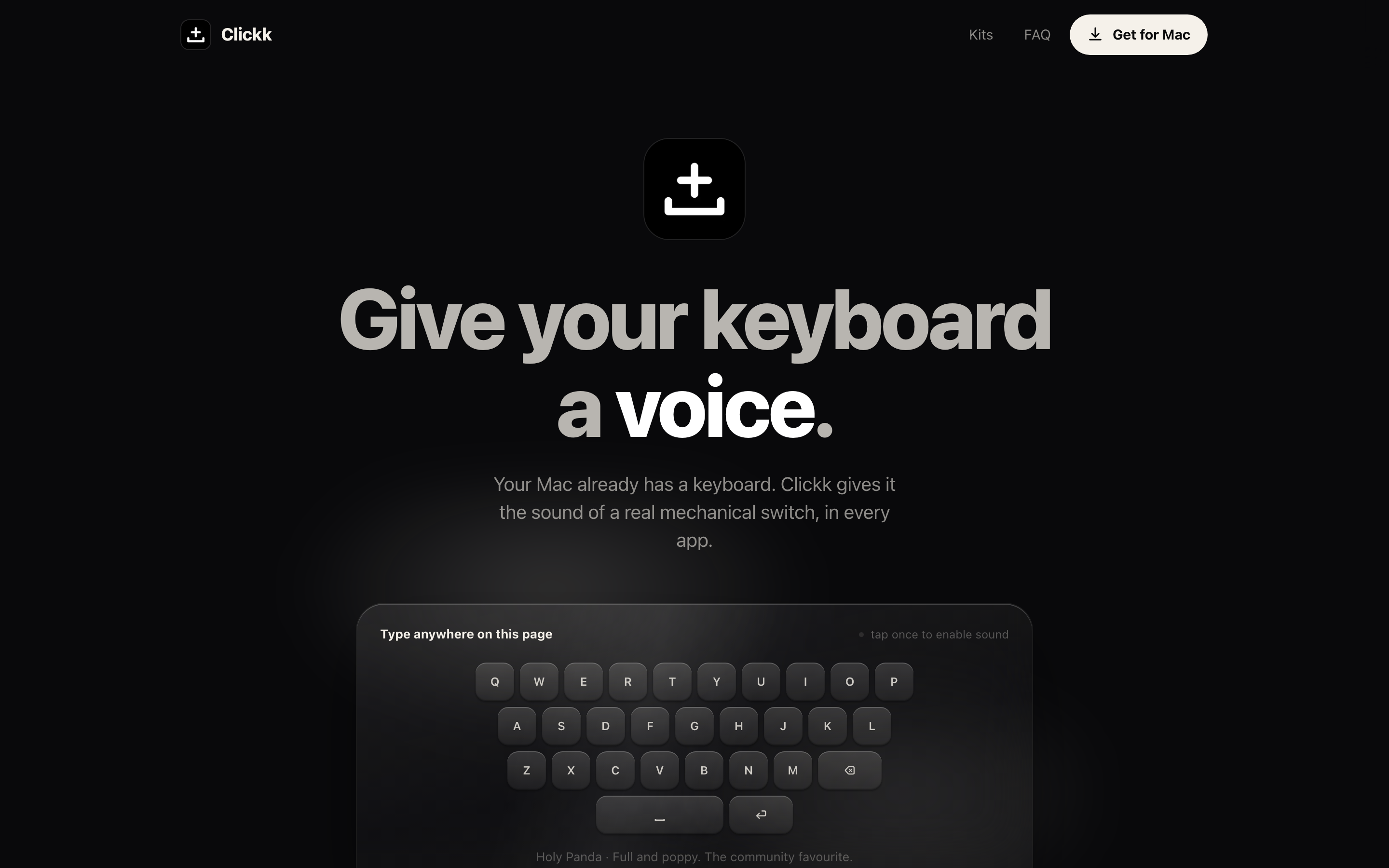
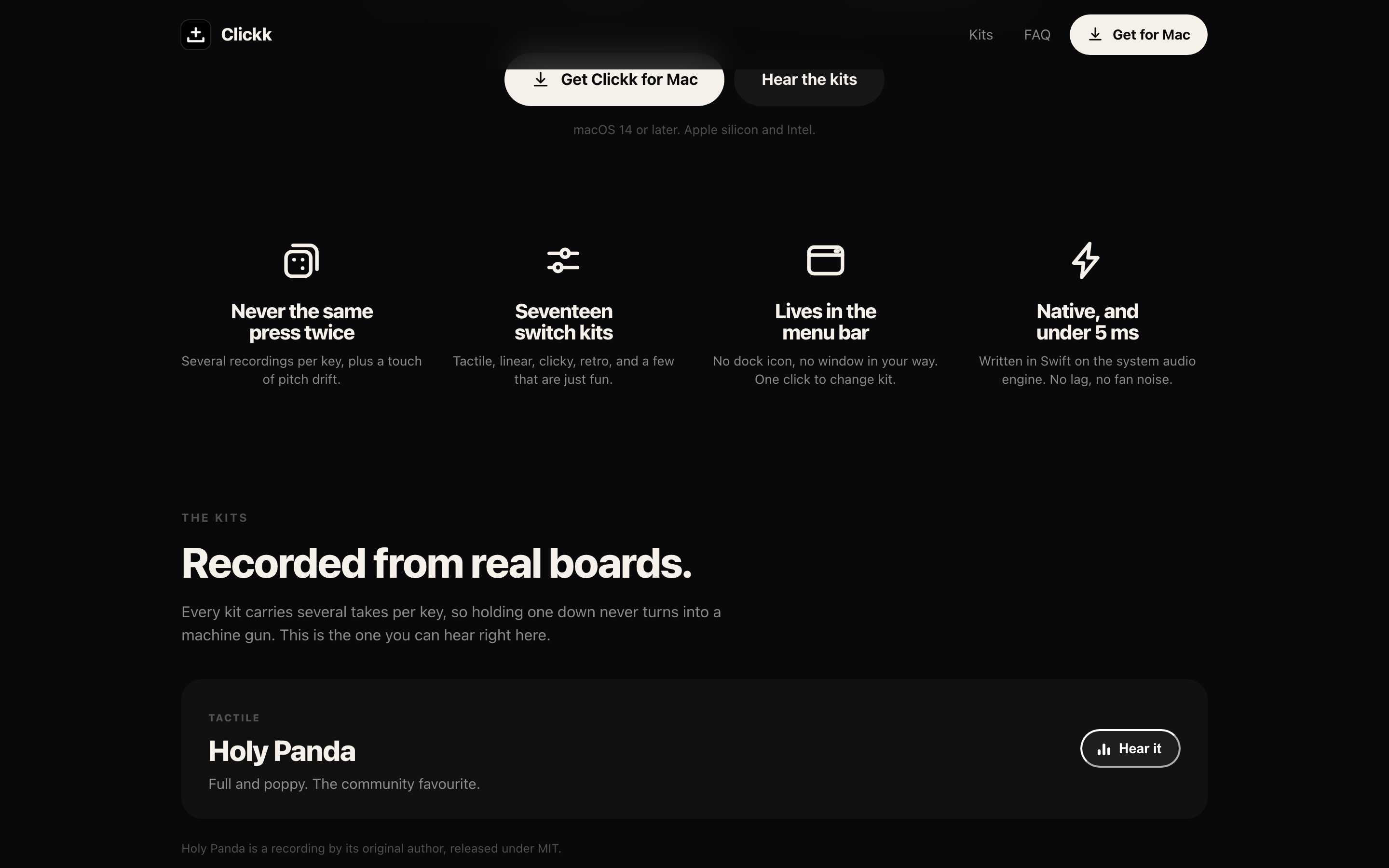
Seventeen kits, most of them sampled from real boards. Typing gets a rhythm again, and you can put a heavy tactile switch under a laptop that has none.
The on-screen overlay shows the keys as you press them, so viewers can follow a shortcut instead of guessing what you did.
Typing tests are built in, run on real prose rather than random words, so the practice matches the work.
Per-app volume means loud in the editor and silent in the meeting, without remembering to switch anything off.
Getting the best out of it
- Install it to Applications before granting accessmacOS ties Accessibility permission to the exact place the app sits. Grant it from anywhere else and the approval goes stale later. Move it to /Applications first, then approve.
- If the sound dies after an update, re-add itSystem Settings → Privacy & Security → Accessibility: remove Clickk and add it again. A replaced binary invalidates the old grant, and that's the usual cause of silence.
- Try a few kits before settlingThe difference between kits is bigger than it looks in a list. Type a paragraph on three of them.
- What it reads, and doesn'tClickk sees that a physical key moved. Not which character, not the app you're in. Nothing is stored, nothing leaves the Mac, so there is no log to leak.
What it does
Kits sampled from real switches, plus synthesized ones. Seventeen in all.
Reads which physical key moved and nothing else. No characters, ever. Nothing leaves the Mac.
An on-screen overlay shows the keys as you press them, great for demos and screencasts.
Race the clock on real prose and watch your accuracy.
System-wide sound, native and under 5 ms of latency.
Louder in the editor, silent on calls.
Screenshots
Recent releases
Full Clickk changelog →Honest alternative: we also list Klack on the Discover shelf, mechanical keyboard sounds, done first. See the comparison.
More from Ziyarex
 SlatemacOS
A todo app whose list is your wallpaper.
Your tasks, rendered straight onto the desktop. Tick one off, the wallpaper updates.
Get app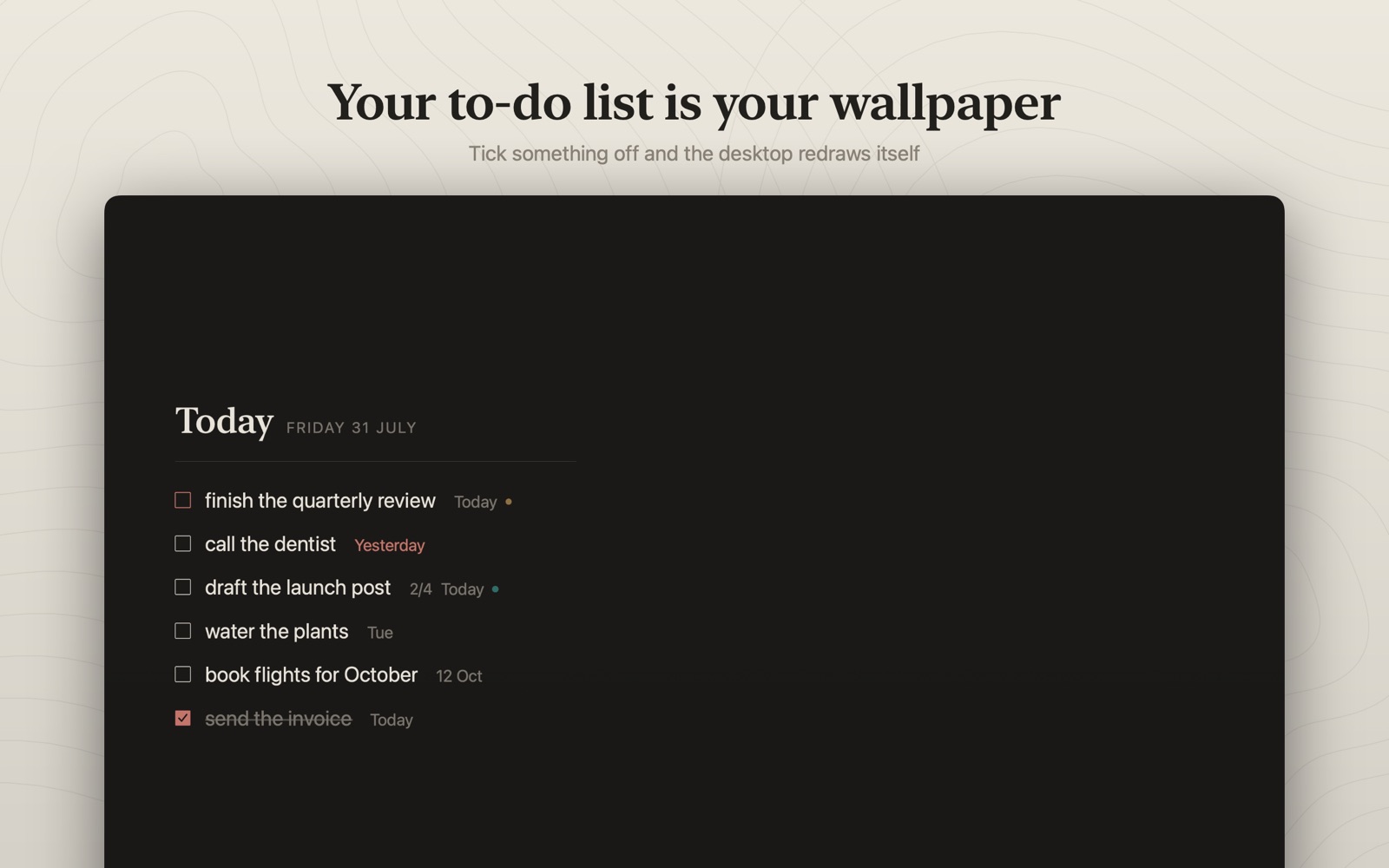
 OreomacOS
Live activities and widgets in your Mac's notch.
Now playing, timers and a file tray. Living in the notch you already have.
Get app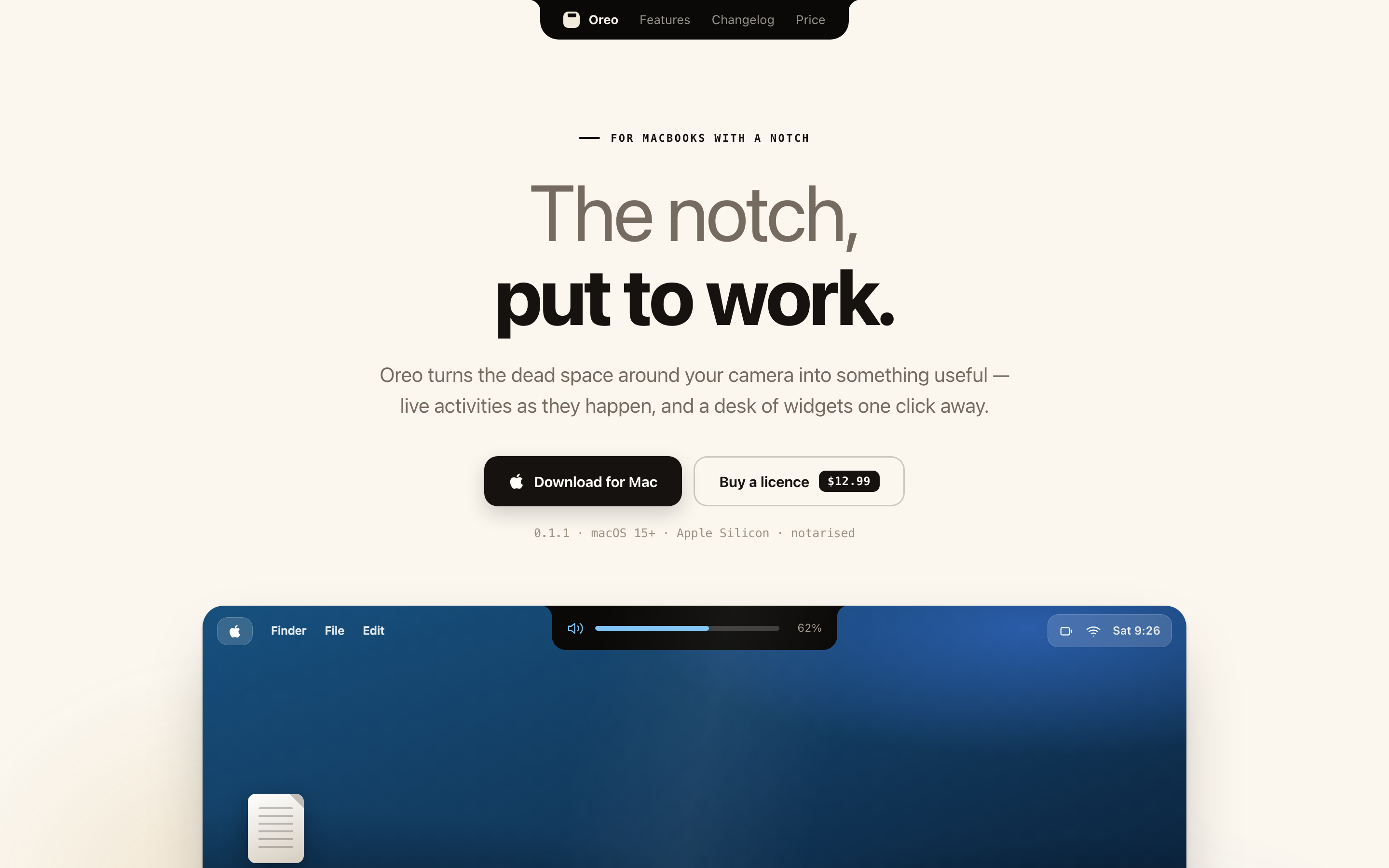
 ueueiOS
Save any link. Actually get to it.
Every “watch later” in one calm queue: phone, Mac and browser.
Get app